Banquet hall booking
Book halls for weddings, parties and meetings, take advances and avoid double booking.
First add your halls in Settings → Banquet halls (name, capacity, rent).
Book a hall
- Open Halls. Tap a day on the calendar (or the + menu → Hall booking).
- Choose the hall, the date, Starts and Ends time, the customer and the event (wedding, birthday, meeting…).
- Hall rent is filled from the hall's rent; change it if you agreed another price. Add Extra charges (decoration, food plates, DJ…).
- Choose Confirmed, or Tentative (hold) if the customer has not decided yet.
- Enter Advance received if the customer paid.
- Save.
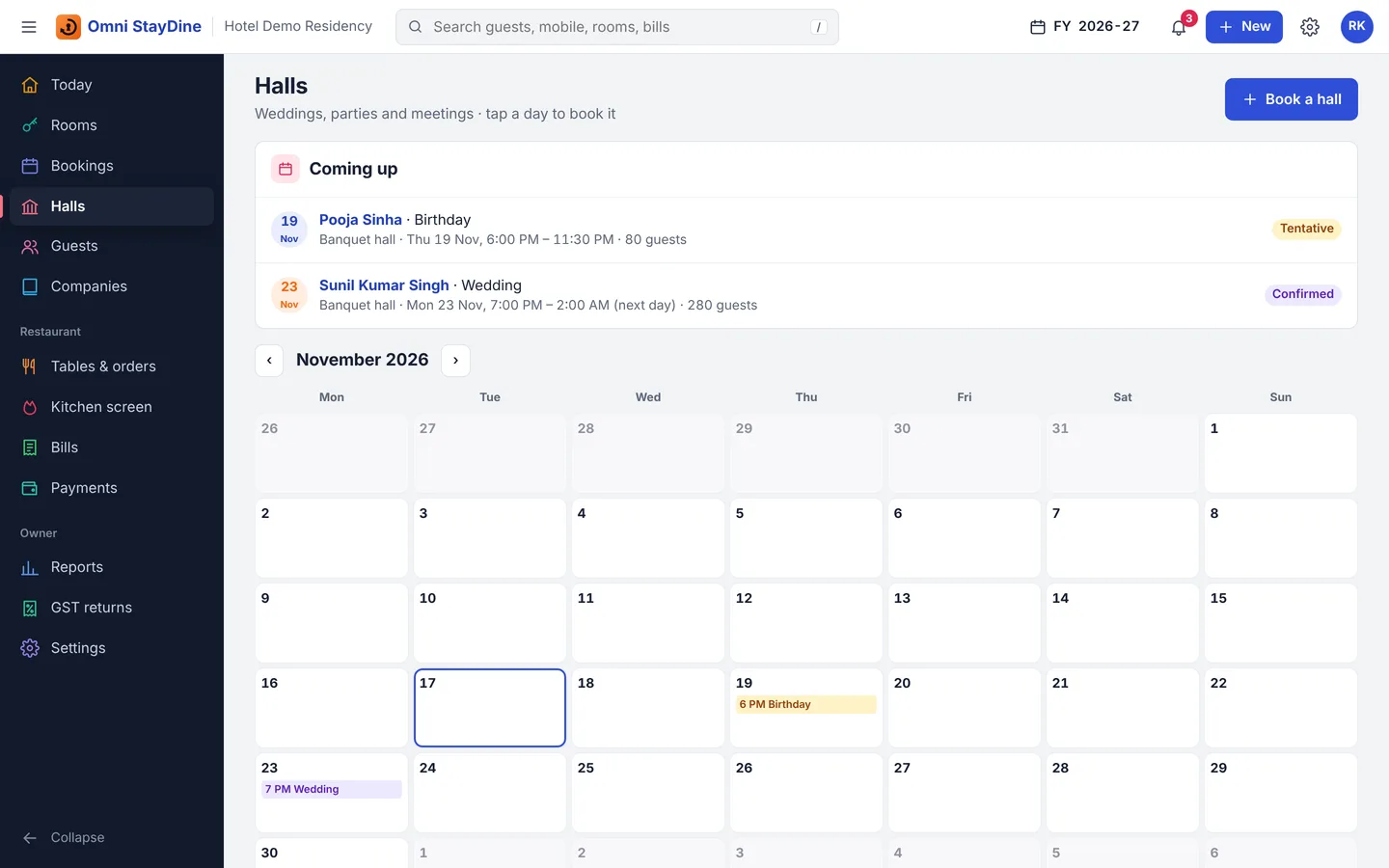
If the hall is already booked for that time, you get a clash warning before saving.
On the event day
Open the hall booking to add charges and Take payment. When the event is over, make the final GST bill. After that the booking cannot be edited.
Reports → Hall bookings lists every event with its money.