Getting started: your first day
What to set up, in what order, before you take the first guest.
Omni StayDine runs your rooms, restaurant and banquet halls from one screen. Set these up once, in this order, and you are ready to bill. Most hotels finish in about 30 minutes.
Setup checklist
- Business profile: hotel name, address, phone, GSTIN, bank and UPI details. See Hotel details, GST and logo.
- Rooms & rates: your room types (Deluxe, Standard…), their prices and the room numbers. See Rooms and room rates.
- Menu & tables (if you run a restaurant): categories, dishes with short codes, and tables. See Menu, short codes and tables.
- Bill numbers and bill design: prefix, paper size and logo. See Bill numbers and bill design.
- Staff & logins: one login for each person, with the right role. See Staff logins and roles.
- Windows app (optional): if the internet often goes at your hotel, install it on the reception PC. See Install the Windows app.
All of these are under Settings (gear icon in the left menu).
Tip: until the setup is finished, the Today screen shows a "Finish setting up" card. Each line in it opens the right settings page.
The main screens
| Screen | What it is for |
|---|---|
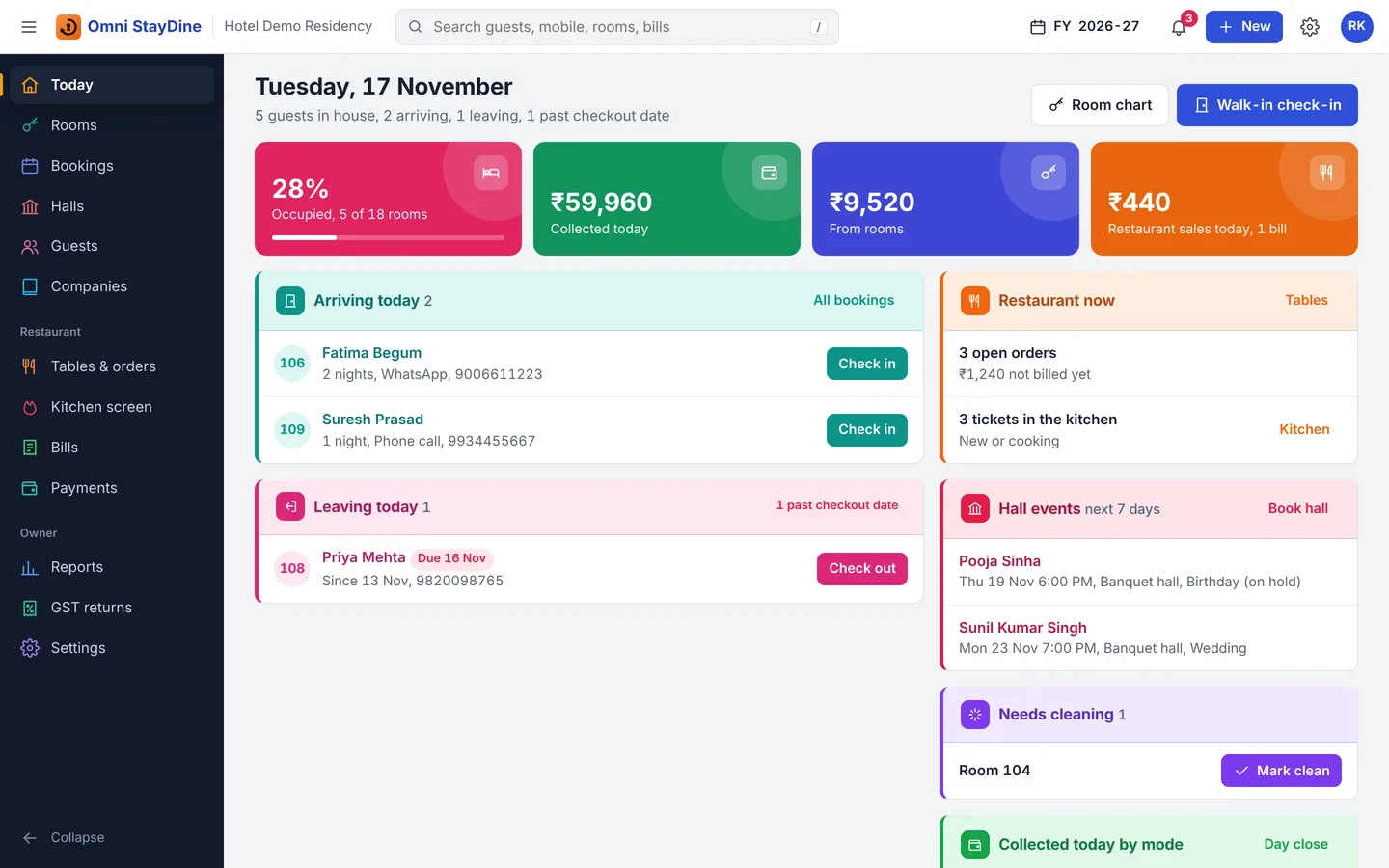
| Today | Arrivals, guests leaving, rooms to clean, open restaurant orders and today's money, on one page. |
| Rooms | Every room as a coloured tile: Ready, Arriving, In house, Needs cleaning, Out of order. |
| Bookings | All reservations, check-ins and the guest register. |
| Tables & orders | Restaurant tables, takeaway and room service. |
| Kitchen screen | KOTs for the kitchen, with a sound for each new ticket. |
| Bills | Every bill: print, WhatsApp, edit or cancel. |
| Reports | 38 reports, day close and the year summary. |
| GST returns | GSTR-1 and GSTR-3B figures and the JSON file for the GST portal. |
Need a hand?
Call or WhatsApp us from the bottom of the Help Center. We can set it up with you over a call.